



Products can be organized into groups. Admins and resellers can create product groups and assign both main and add-on products to them via the admin's or reseller’s web interface.
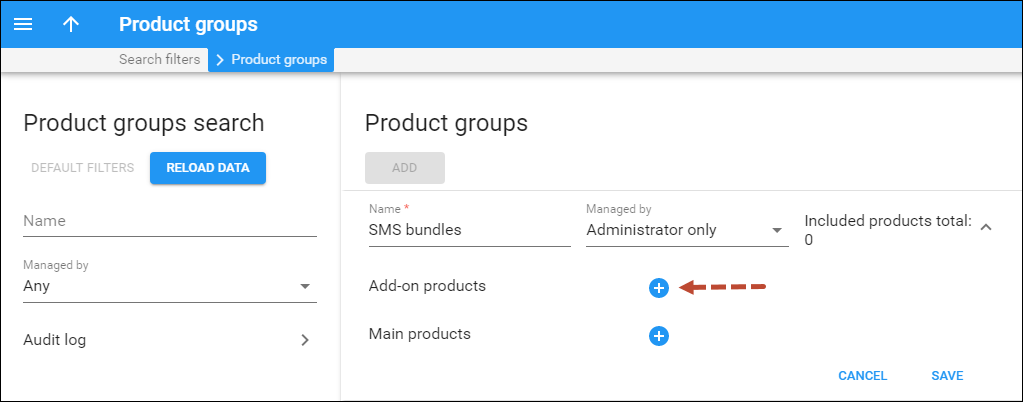

Product groups serve the following purposes:
- Custom grouping for end users on the account self-care web interface
- Relevant product display on the CloudPBX Self-Care Portal
Custom grouping for end users on the account self-care interface
Product groups can be used to organize add-on products for end users within the built-in account self-care interface that comes with PortaBilling/PortaSwitch. This allows users to easily locate add-on products available for self-sign-up within the respective groups.
Example
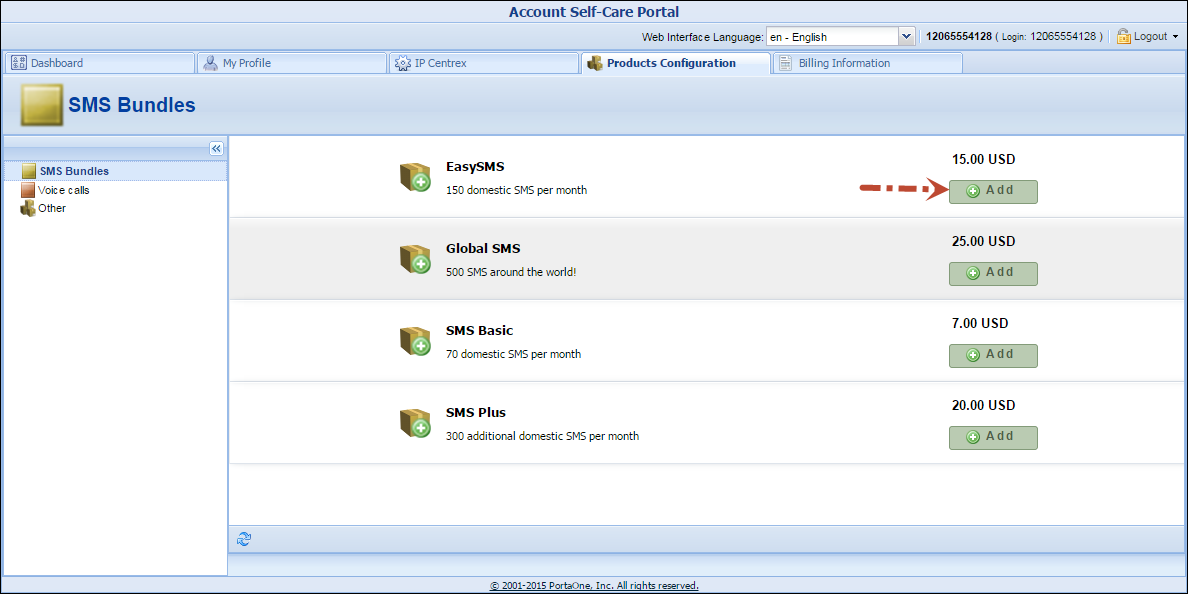
Customer John Doe wants to sign up for 150 domestic SMS and 200 minutes of calls to Brazil per month. He visits his account self-care interface and goes to the Product Configuration tab. He opens the “SMS Bundles” group, finds the “Easy SMS” add-on product that provides 150 domestic SMS messages, and signs up for it.
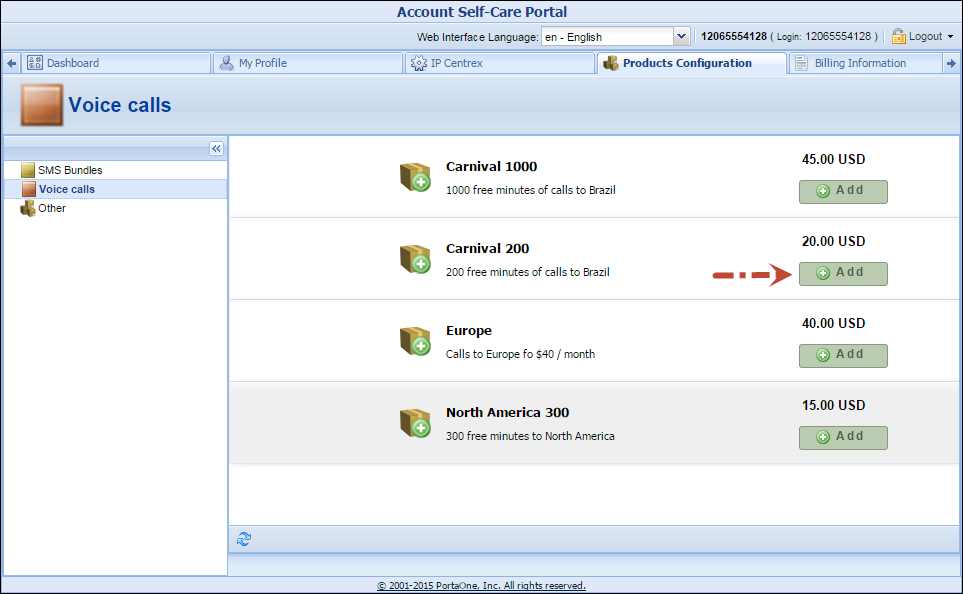
Then he selects the Voice calls group and signs up for the '”Carnival 200” add-on product that provides 200 minutes of calls to Brazil.
Relevant product display on the CloudPBX Self-Care Portal
You can use product groups to ensure that customers can only choose products relevant to a specific account type on the CloudPBX Self-Care Portal. For example, when adding a new extension, customers will only see products intended for extensions, and will not be able to choose a product for an auto-attendant or a fax mailbox by mistake.
The IDs of the product groups created in PortaBilling should be specified on the portal’s ConfigUI. Find more details here.
Note that to make any product available for self-sign-up on the CloudPBX Self-Care portal, you need to add it to the customer agreement.


