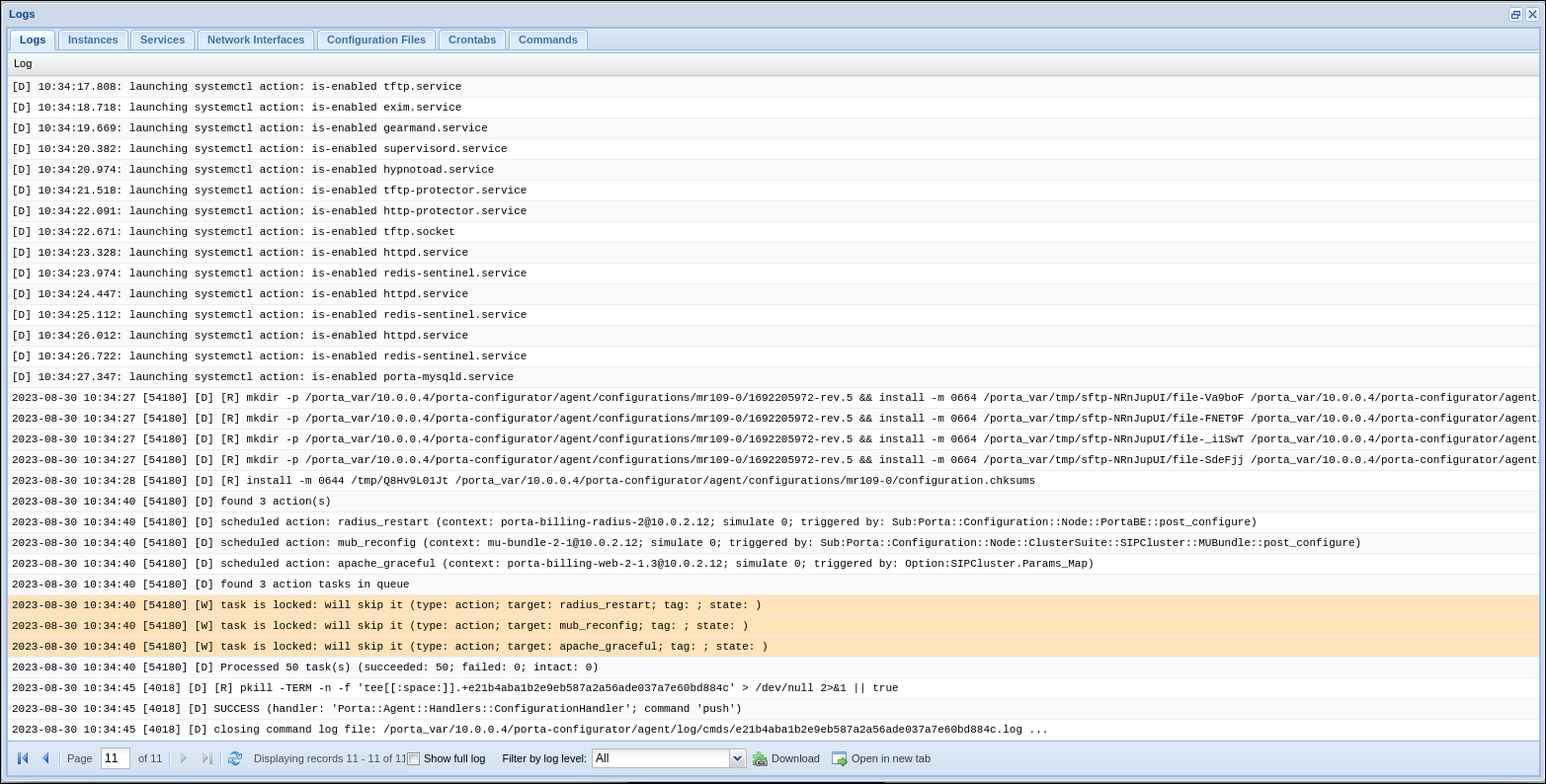
When you apply a new configuration via the Configuration Server web interface, the corresponding service may need to be restarted for the changes to take effect. For instance, when changing SIP network settings, the configuration update may prompt the restart of SIP services.
TLS certificate renewal does not require restarting web servers, SIP, and Diameter services, which eliminates downtime for web access, voice calls, and authorization and charging via the Diameter protocol.
When applying the new configuration, you have the option to skip restarting services on specific servers to avoid service downtime.
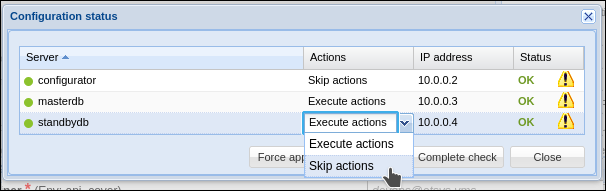
The service restart must be done manually for the configuration changes to take effect.
In general, the configuration should be the same across all PortaSwitch servers (which is the primary reason for creating the Configuration server). Temporarily skipping the application of configuration on specific servers may lead to system malfunctions. We strongly recommend that only experienced engineers with advanced knowledge of PortaSwitch utilize this option.
The “skipped” servers are marked as such in the "Actions" column of the Task monitor tab.

The list of these servers is also available in the task log of the Apply Configuration task for the corresponding server.