



On the Account info panel you can change the account’s service password, define a distributor for debit accounts and check the account’s registration information.
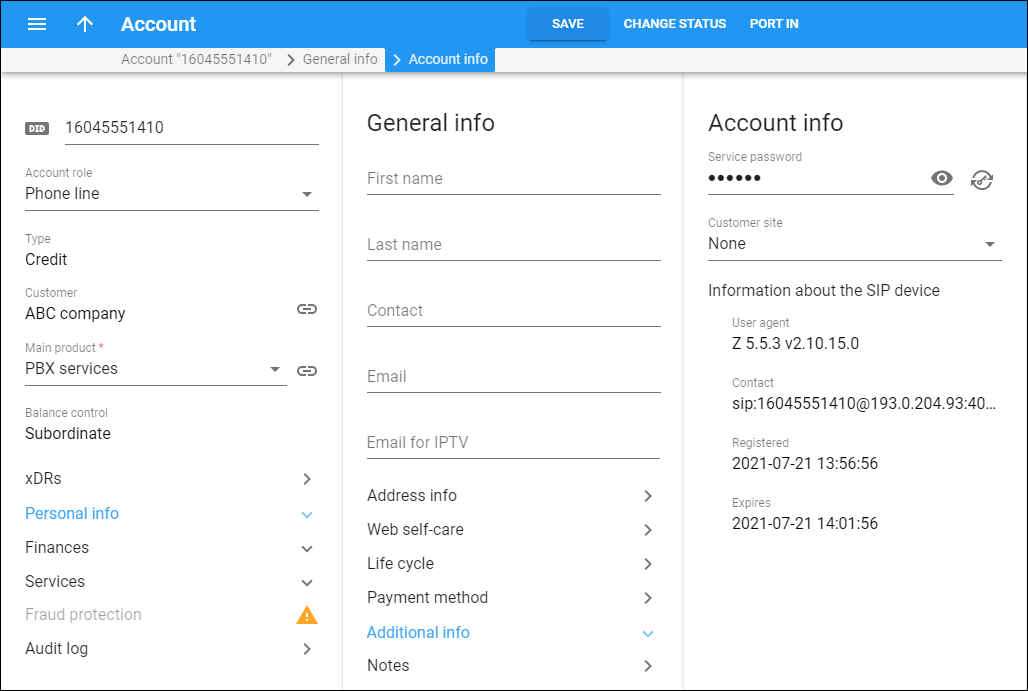
Service password
This is the password used to authenticate all calls made using this account.
You can set the minimum password length for credit accounts via the CreditAccMinServicePasswdLength option on the Configuration server web interface (by default, the minimum length is 6 characters).
Customer site
Select a specific customer site so that the site parameters (e.g., number of simultaneous calls) will apply to the account.
A customer site defines a group of accounts managed as a single entity. This allows you to apply certain configuration parameters or service restrictions to the accounts in that group. To add a customer site, go to Customer > Sites > Add a site.
Distributor
A distributor can only manage debit accounts. Therefore, this field is only available for debit accounts.
Here you can select a distributor associated with this account.
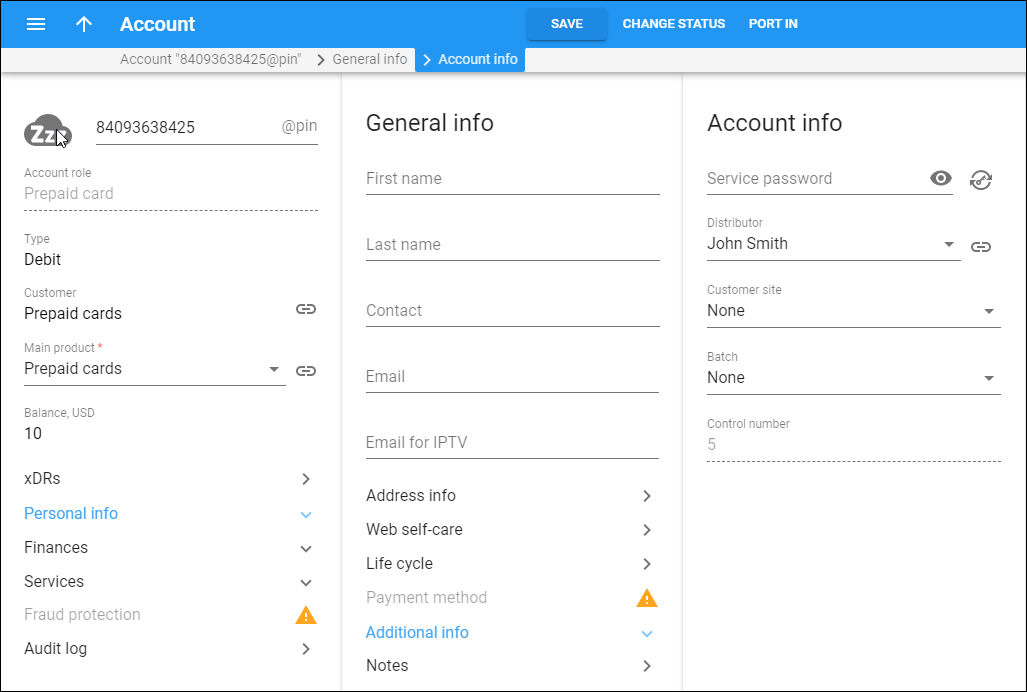
Batch
Here you can select an existing batch and assign it to accounts. To release an account from a batch, select None from the list.
Information about the SIP device
Here you can check whether the account is registered and browse SIP device information:
- User agent – the identification information for the SIP UA used to register the account with the SIP server.
- Contact – the URI of the user agent used by the SIP Proxy to contact the IP phone.
- Registered – the time stamp for when a SIP UA was registered.
- Expires – the time stamp for when a SIP UA registration expires.
Mobile SIM card
Click SIM card  to provision a SIM card from the SIM card inventory to this account.


