



On this panel you can change call barring rule details. To save your changes, click Save.
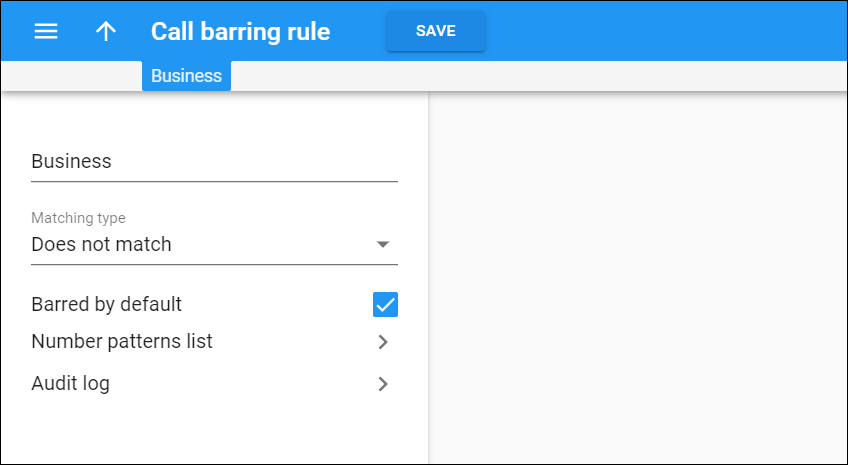
You have the following options:
-
Name – the unique name of the call barring rule.
-
Matching type – the mode of selecting numbers for the call barring rule:
-
Matches – select this option to include those numbers that fit the patterns defined in the Number patterns list.
-
Does not match – select this option to include those numbers that do not fit the patterns defined in the Number patterns list.
-
-
Barred by default – define whether call barring rules should be applied to newly created customers/accounts automatically or manually when the account’s product has the call barring feature enabled.
Select the check box to automatically assign the call barring rule to a customer/account.
Clear the check box to manually assign the call barring rule to a customer/account.
Number patterns list
On this panel you can add patterns to the Number patterns list.
Audit log
On this panel you can track and browse the changes made to Call barring rules.


