

A customer class contains a set of configuration parameters such as invoicing and taxation, fraud protection, etc. that are shared among a certain category of customers included in it.
Customer class search
Specify one or more of the search criteria listed below and click Apply filters. If you want to stop the search, press “Esc” on the keyboard or click Stop  .
.
Click Default filters  to reset the search criteria to their initial values. To refresh the search results, click Search.
PortaBilling automatically loads the list of records once you open the page. You can turn off data autoload if you don’t want all records to load each time you open the page. To disable data autoload, click Settings  and clear the check mark for the Automatically start searching upon opening the page option. When the check mark is absent, the records won’t load until you click Search.
If the search result contains a single customer class, you can open it automatically by choosing the If the search produces a single result, automatically open it option.
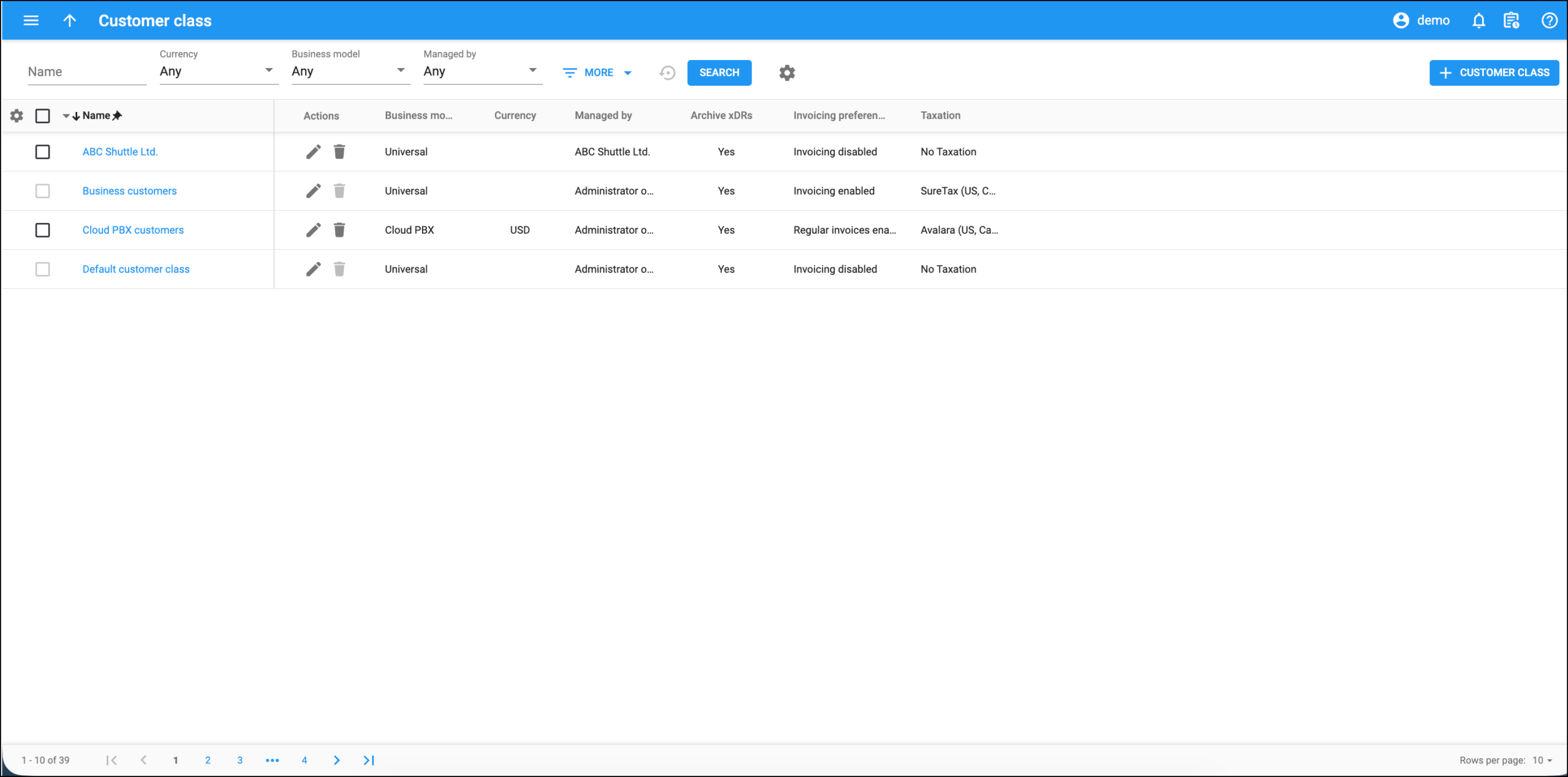
Name
Find a customer class by name.
Currency
The currency used to charge customers of this customer class.
Business model
Filter customer classes by business model. A business model defines which type of service is to be provided to the customers of this customer class (for example, Cloud PBX, Internet access, etc.).
Managed by
Filter customer classes according to who manages them.
- Select Any to search among all available customer classes.
- Select Administrator only to search for customer classes managed by your administrators.
- Select Reseller name to search for customer classes managed by this particular reseller.
More
To obtain more precise results, click
More  to open advanced search criteria.
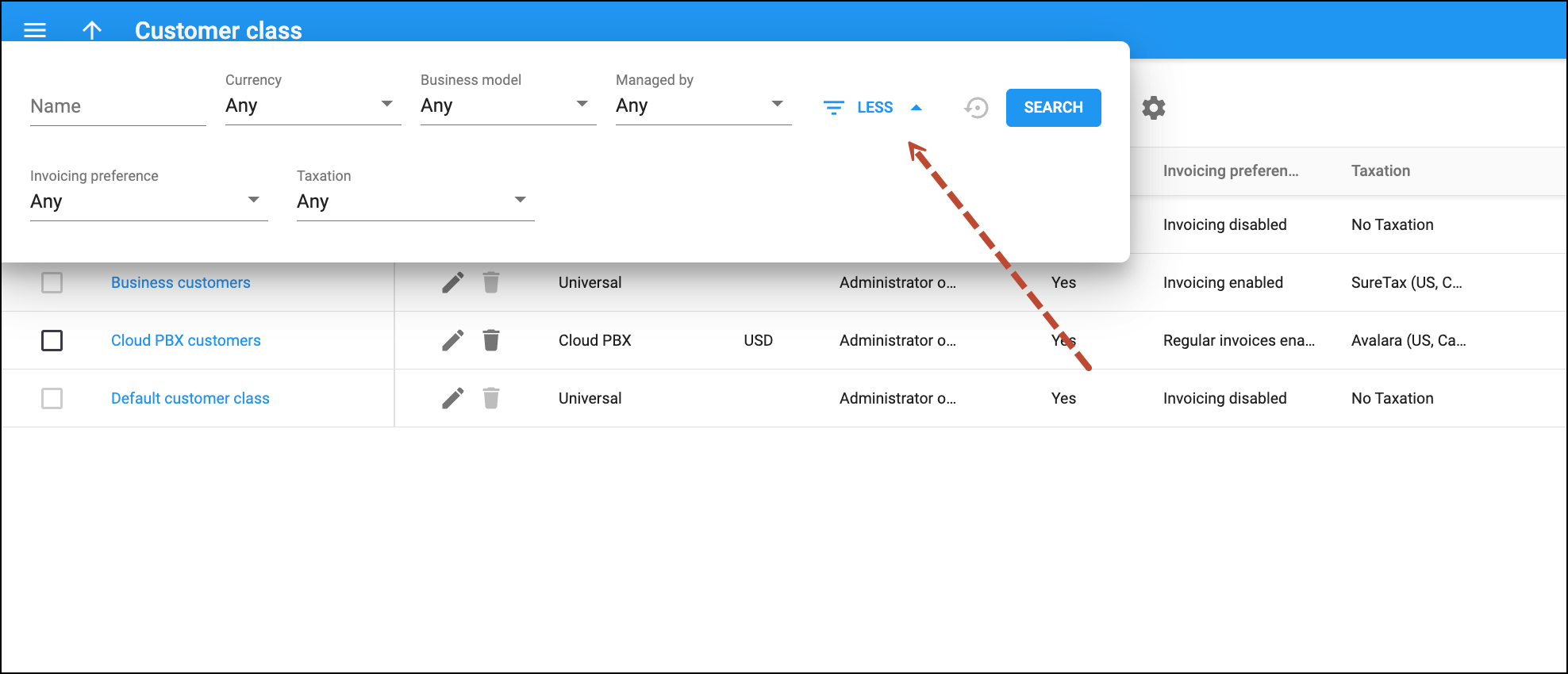
Invoicing preference
Filter customer classes according to the invoicing configuration. The options are:
- Any – search among customer classes regardless of the invoicing configuration.
- Invoicing enabled – search for customer classes with both regular invoices and out-of-turn invoices enabled.
- Regular invoices enabled – search for customer classes with only regular invoices enabled.
- Out-of-turn invoices enabled – search for customer classes with only out-of-turn invoices enabled.
- Invoicing disabled – search for customer classes with no invoicing configuration.
Taxation
Shows the taxation plug-in configured for the customer class.
Customer class list
Each entry of the customer class page consists of:
Name
The customer class name, which is also a link that redirects you to the edit customer class page.
Actions
This column shows the available actions you can perform with a specific customer class.
- Click Edit
 to view and edit the customer class details.
 - Click Delete
 to delete a customer class. This option is only available for a customer class that is not in use.
Business model
The type of service provided to the customers of this customer class.
Currency
The currency used to charge customers of this customer class.
Managed by
Indicates whether the customer class is managed by the administrator or by a specific reseller.
Archive xDRs
Defines whether the statistics generation is enabled for this customer class.
Invoicing preference
Indicates whether the customer class includes invoicing configuration and which one.
Taxation
Shows the taxation plug-in configured for the customer class.


