




Overview
PortaPhone is a solution from WebTrit that consists of two applications – the PortaPhone web and the PortaPhone mobile app.
After you subscribe to the PortaPhone module in Add-on Mart, your customers are able to make/receive calls via the web and mobile app. Customers can also make calls from the PortaPhone web to PortaPhone mobile app and vice versa.
The PortaPhone solution supports such popular features:
- Make and receive audio/video calls from your PortaPhone – all your customers need is an active internet connection. Your customers can start using the application immediately on 3G, 4G/LTE, or WiFi, with any device (mobile phone, tablet, PC).
- Push notifications that ensure that the customers receive calls or messages while the customer’s device is locked.
- Typical call features such as call recording, call hold and transfer, off-net voice calls, corporate directory, favorite contacts, and call history.
- Auto-provisioning and automated updates, where user credentials are automatically provisioned into the application so that any changes in PortaSwitch (e.g., password change) are automatically synced with the application. New features are available as a part of regular support and maintenance at no extra cost.
- Two-factor authentication is used to prevent service abuse and verify user data during signup and provisioning.
In addition to a web and mobile app, you also gain access to the PortaPhone API that allows any integration such as embedding a WebRTC calling widget into a website or CRM.
You can brand the PortaPhone application on all devices. This includes a custom name, logo, and color scheme. Additionally, you can incorporate monetization options such as promotions and in-app purchases or integrations such as micropayments and self-care features.
PortaPhone web
The PortaPhone web is a solution for making audio/video calls from a web browser on any device like a desktop, laptop, or tablet. PortaPhone web is supported by major browsers such as Google Chrome, Safari, Microsoft Edge, and Firefox.
How it works
To start using the application, provide your customers with the PortaPhone web link that they need to open in a browser. They have to sign in using their corporate phone number, which is also their account ID in PortaBilling. Then they receive a verification code via email defined in an account’s settings in PortaBilling. This code has to be entered into the PortaPhone web to complete the sign-in process. From this moment, your customers can start making audio and video calls to their colleagues, who automatically show up in the contact list.
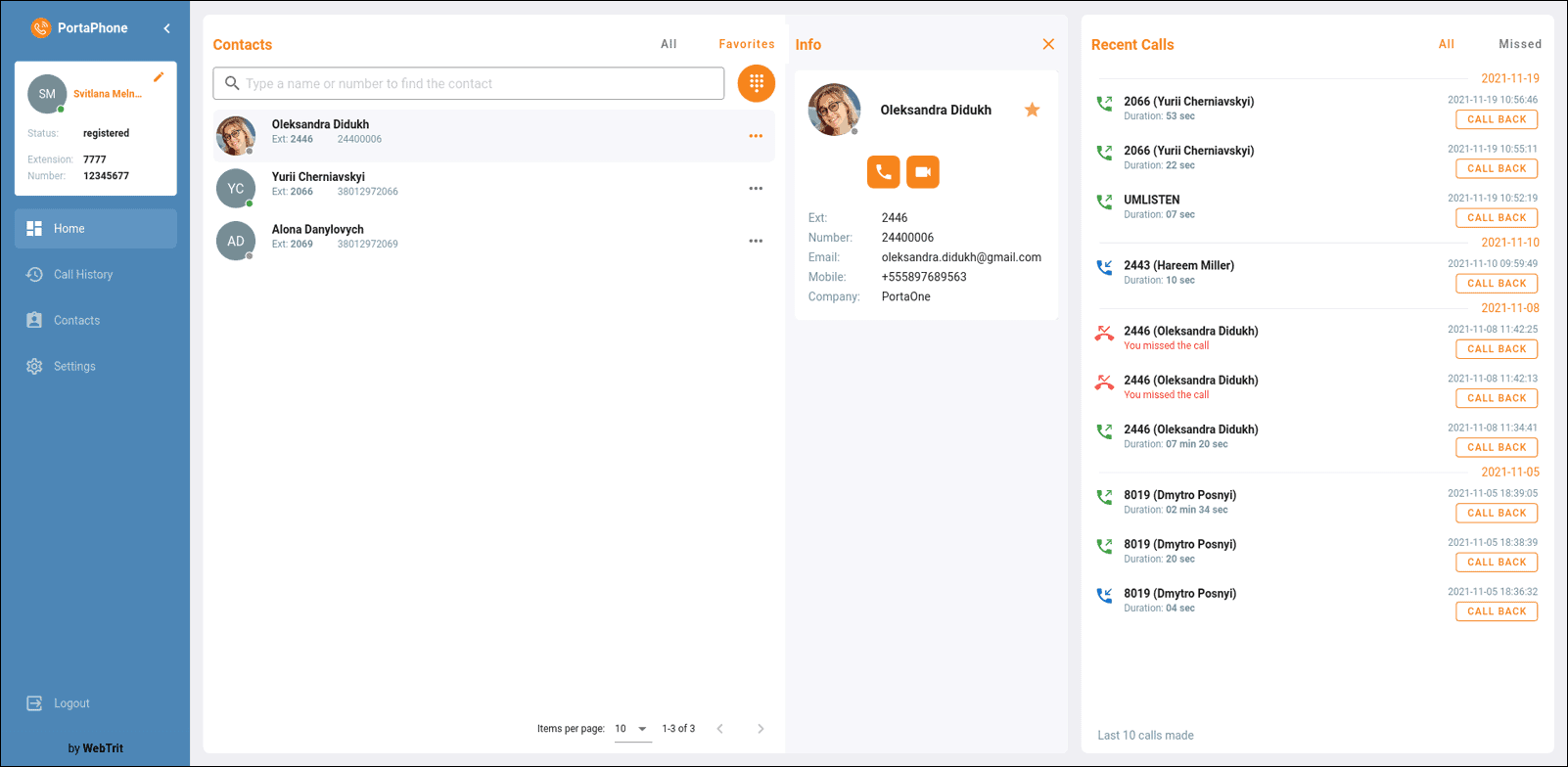
For more details on PortaPhone web features, refer to the PortaPhone web section.
PortaPhone app
The PortaPhone app is available both for Android and iOS devices. With the PortaPhone app, users can make both on-net and off-net calls. An example of an off-net call would be one that is made from the app to another user’s mobile phone.
How it works
To start using the application, customers download your app (PortaPhone branded with your corporate logo and colors) from the App Store or Google Play. They have to sign in using their corporate phone number, which is also their account ID in PortaBilling. Then they receive a verification code via email defined in an account’s settings in PortaBilling. This code has to be entered into a mobile app to complete the sign-in process. From this moment, your customers can start making audio and video calls to their colleagues, who automatically show up in the contact list.
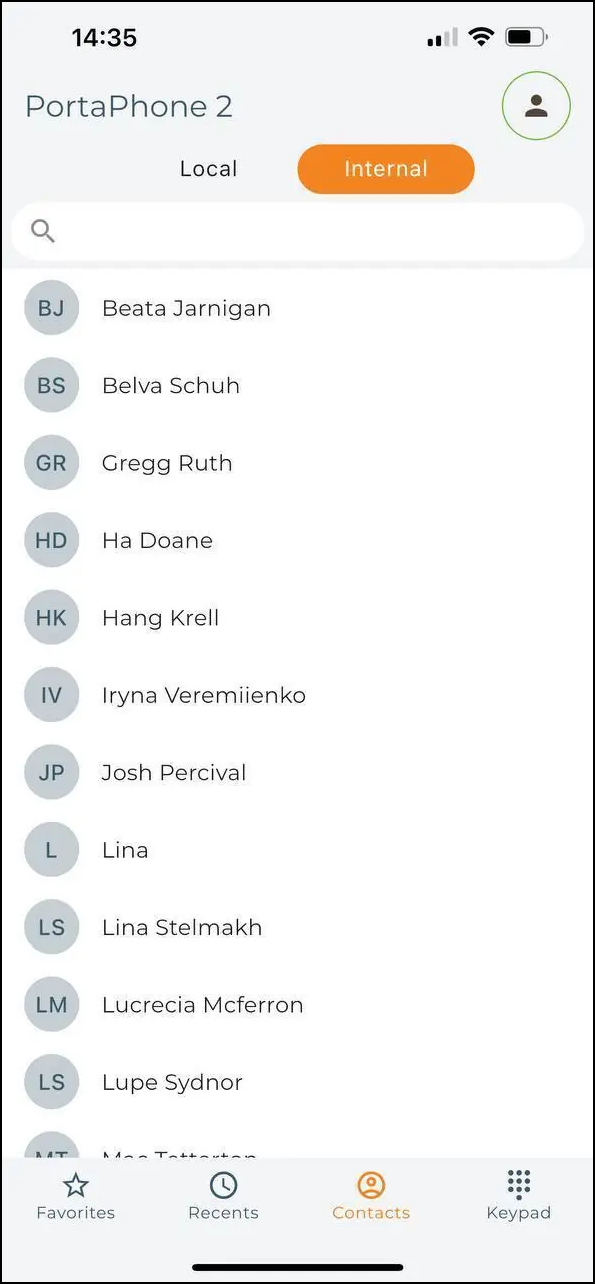
Requirements
PortaPhone is available for any PortaSwitch system version starting from MR75. It requires an active Add-on Mart account.
What it delivers to the customer
- Allows them to stay connected from any device.
- PortaPhone supports seamless auto-provisioning, advanced call features (call recording, call transfer, and so on), contact sync, and more.
What it delivers to you
- Extends your customers’ cloud PBX seamlessly to web and mobile.
- Brands your application with a custom name, logo, and color scheme. You can publish a customized app to the App Store or Google Play under your account.
- Stays competitive by offering mobility to your cloud PBX customers.


